

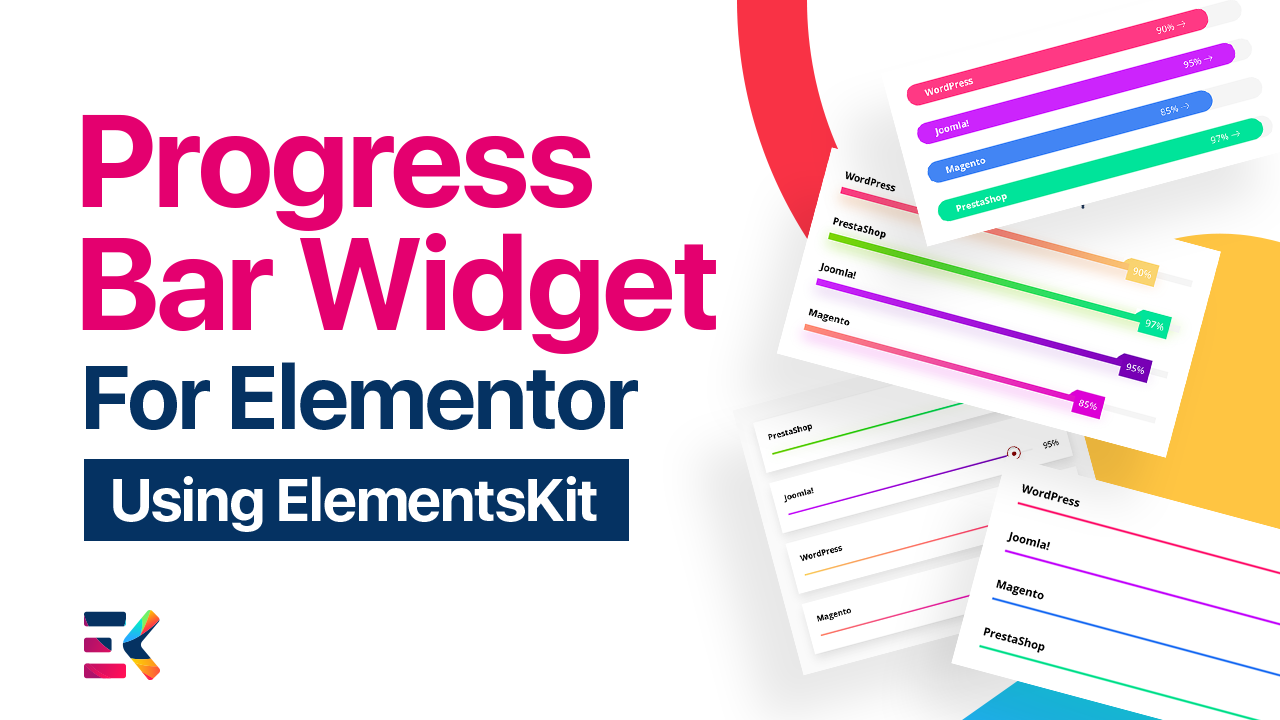
Display Clean, Minimalist Line Shape Progress Bars
Keep your website design sleek and professional. Use the standard linear progress bar to present your data clearly without distracting your visitors from your core sales message.
Apply Smooth, Eye-Catching Animations
Bring your static numbers to life to hold user interest. Adjust the exact animation duration to control how fast or slow the progress bar fills up when visitors scroll down your page.
Save Space With Inside-Text Styling
Keep your Elementor layout compact and clean. Place your titles and percentage values directly inside the progress bar track to maximize your available screen space.
Soften Your Design With Custom Border Radius
Match your brand’s exact aesthetic. Adjust the border radius settings to create beautifully rounded edges, or keep them sharp for a highly modern, corporate look.
Thin Line with
Black Color
Display a thin line progress bar with black color. This design will give pleasure to the eye for your audience because it easily matches your content.
Save Space With Inside-Text Styling
Keep your Elementor layout compact and clean. Place your titles and percentage values directly inside the progress bar track to maximize your available screen space.
Customize the Track Background
Don't ignore the empty space in your widget. Change the color, opacity, and styling of the underlying track to create high-contrast designs that make your filled percentages stand out.
Create Bold, High-Impact Progress Bars
Make sure your most important metrics cannot be missed. Easily increase the height of your progress bars for a thick, prominent visual display that commands authority.
Line with Gradient
The progress bar is always an experiment of fun. It can enhance users' engagement. Let’s create a line bar with a gradient color design.
Add Depth With Custom Box Shadows
Make your statistics literally lift off the page. Apply customizable box shadows to both the track and the color bar itself to create a striking, layered 3D effect.
Line with
Rounded Shape
Make an eye-catching progress bar line with a rounded shape. You have a lot of customization options to make it user friendly.
Build Trust With Floating Tooltip Indicators
Give your statistics a modern edge. Display your percentage numbers inside stylish, floating tooltips that hover right above the progression line for a premium, interactive UI experience.
Progress Bar Tooltip Circle
Show your statistics or progress results within a tooltip circle. Let your customers know about your achievement with a special design.
Progress Bar Tooltip
Square
Visualize your progress bar with a square tooltip. Use this progress bar to display how much you achieve.
Progress Bar Tooltip Rounded
Wanna make a different style bar to show your progress? Then you can use this rounded progress bar tooltip on your Elementor website.
Build Multi-Label Progress Layouts
Tell a more complete data story. Easily add secondary labels or custom text descriptions alongside your progress bars to provide full context to your potential clients.
Highlight Success With Striped Bar Layouts
Break away from standard designs. Apply engaging striped patterns to your progress bars to give your statistics a dynamic, energetic feel that keeps users scrolling.
Highlight Project Milestones Step-by-Step
Prove your track record to your audience. Use stacked progress bars to visually break down your project completion phases and build immediate trust with your visitors.
Showcase Team Capabilities and Skills
Sell your agency’s expertise the moment the page loads. Group multiple customized progress bars together to visually display your team's proficiency in coding, design, or marketing.
Create Bold, High-Impact Progress Bars
Make sure your most important metrics cannot be missed. Easily increase the height of your progress bars for a thick, prominent visual display that commands authority.


