



Caldera Forms
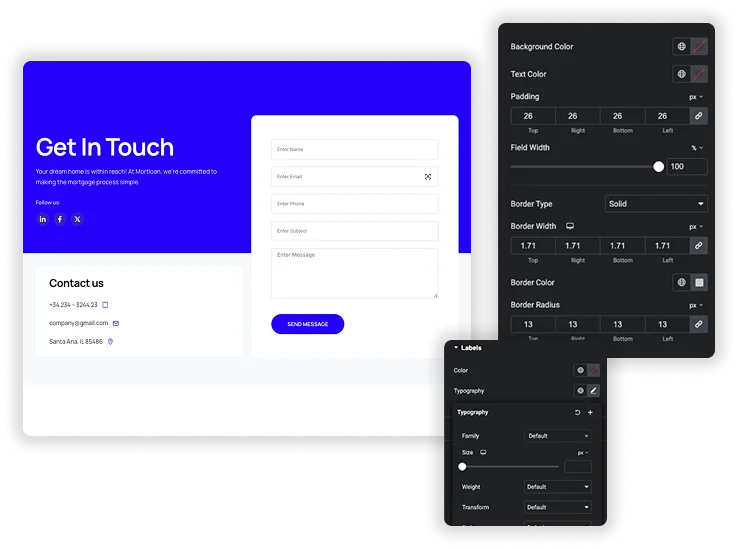
Embed your Caldera Forms with total design freedom, right inside Elementor. This handy element pulls in any form you’ve built and lets you style it to blend seamlessly with your website’s look and feel. Start with a pre-designed layout for instant polish, then fine-tune every detail – from labels and input fields to checkboxes and the submit button – using intuitive controls for colors, spacing, borders, and typography. It’s the simplest way to create beautiful, on-brand forms that engage visitors and boost conversions, all without touching a line of code.

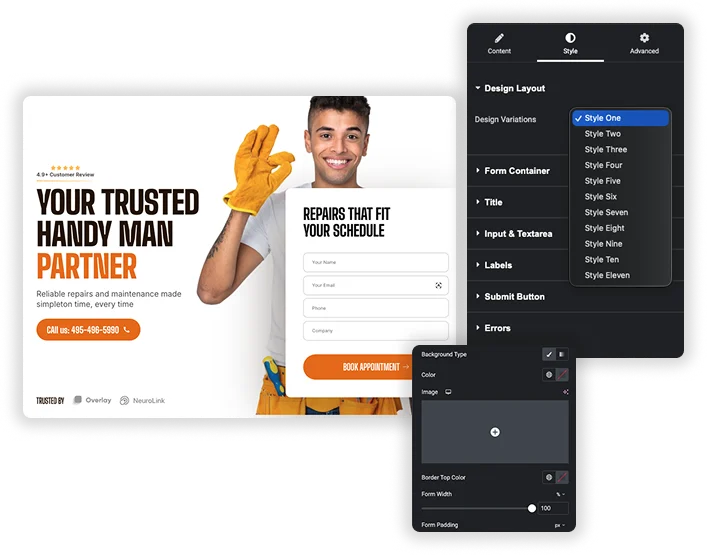
Instant Design Layouts
Start your customization from a range of pre-built style kits. With one click, you can apply a cohesive, professional design that ensures your form looks great and matches the tone of your page instantly.
- Apply a complete visual style to your Caldera Form in a single step.
- Perfect for quickly maintaining a consistent look across multiple forms or pages.
- Use a styled layout as a foundation and customize it further to match your brand.
Detailed Field & Input Customization
Take precise control over the look of every form element. Adjust background colors, text colors, border styles, and corner rounding for input fields and text areas, and manage their width, height, and internal padding for perfect alignment and readability.
- Style the normal and focused states of fields independently for better user experience.
- Create unique sizing for different field types, like regular inputs versus larger textareas.
- Use padding and border controls to design forms that are both attractive and easy to use.


Full Button & Feedback Styling
Design a compelling submit button and style all system messages. Customize the button’s colors, size, borders, and hover effects, and ensure success messages and error notices are visually clear and fit your site’s design language.
- Create custom button widths and engaging hover animations to encourage clicks.
- Make success confirmations and error warnings visually distinct and user-friendly.
- Add box shadows and typography controls for a polished, integrated button design.


Frequently Asked Questions For Caldera Forms
Do I need the Caldera Forms plugin installed?
Yes, this element works as a bridge to the Caldera Forms plugin. You must first install and activate Caldera Forms on your WordPress site and create your forms there before you can select and style them with this widget.
Can I make my Caldera Forms responsive on mobile?
Absolutely. Using Elementor’s built-in responsive editing modes, you can adjust settings like field padding, font sizes, and button width specifically for tablet and mobile views, ensuring your forms look and function perfectly on all devices.
Will my form’s conditional logic and calculations still work?
In most cases, yes. Since the element embeds your actual Caldera Form, the core functionality – including conditional logic, calculations, and email notifications – should all continue to work as expected. The styling controls only affect the visual presentation.
How do I change the text or color of error messages?
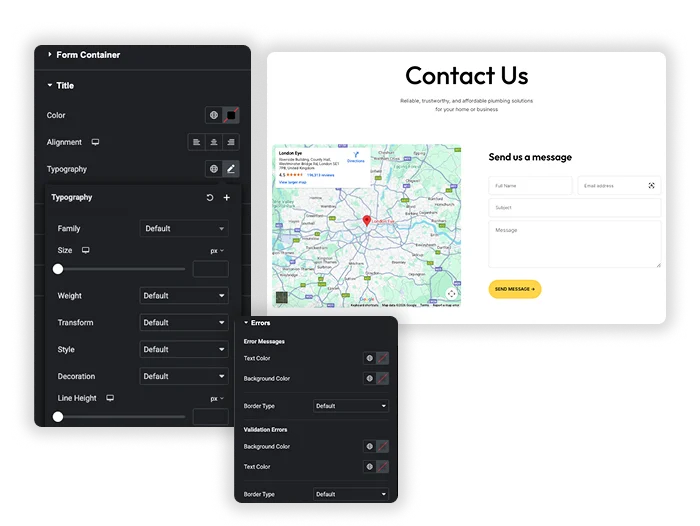
The styling options include dedicated sections for “Errors” and “Success Messages.” There, you can customize the text color, background, and typography to ensure these important notifications are clear and match your site’s design.
Trending Elementor Widgets & Extensions
Build sophisticated websites in less time.

Glassmorphism

Container Extras

Patterns

Post/Page Duplicator