close

JetMenu. Crie seu custom Mega Menu customizado com Elementor

$55 $50
$55 per
year
This plugin is working with Elementor editor
This plugin is working with Gutenberg block editor
mega menu wordpress plugin for web and mobile

Adicionar Qualquer Tipo de
Conteúdo ao Mega Menu

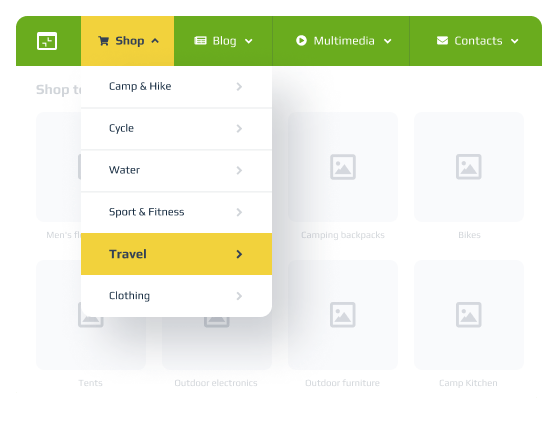
Crie lojas

Chame atenção para as melhores ofertas da sua loja! Enriqueça o menu com categorias de produtos, itens mais procurados com desconto, banners de vendas atraentes etc.
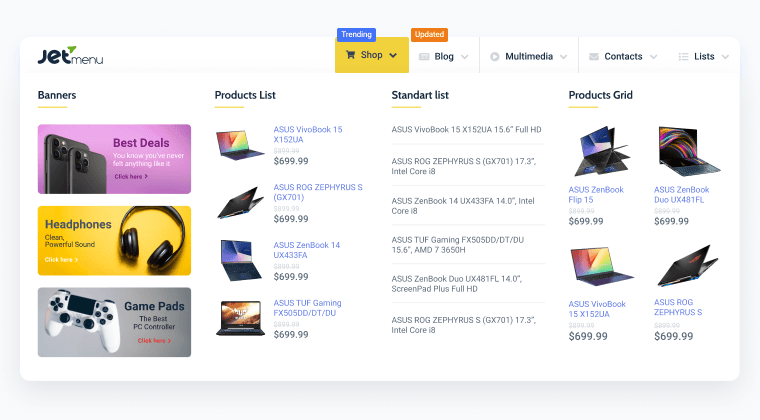
shop mega menu layout

Inserir multimídia

Adicione qualquer conteúdo visual ou de áudio que desejar. Vídeos de overview, áudios, portfólios – todos podem ser exibidos em grade, masonry ou em formato de alturas iguais.
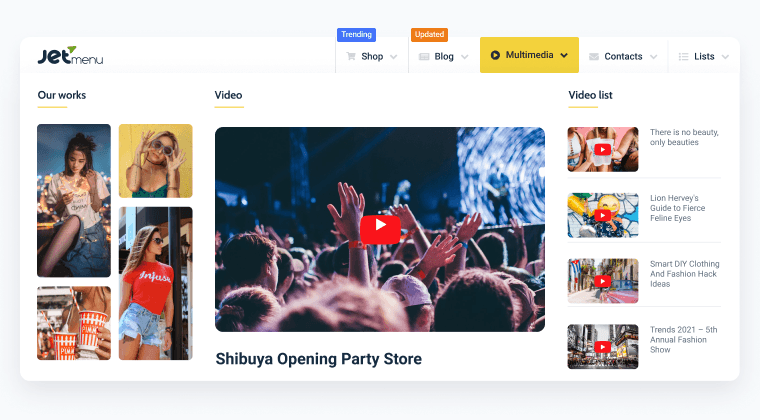
 multimedia mega menu layout

Adicionar contatos

Facilite aos seus visitantes entrarem em contato. Adicione todos os detalhes de contato, redes sociais, mapas ou até mesmo um formulário de contato ao seu Mega Menu.
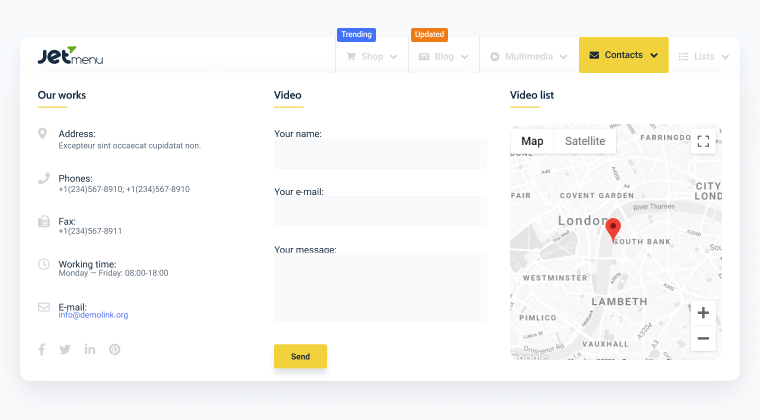
contacts mega menu layout

Crie blogs

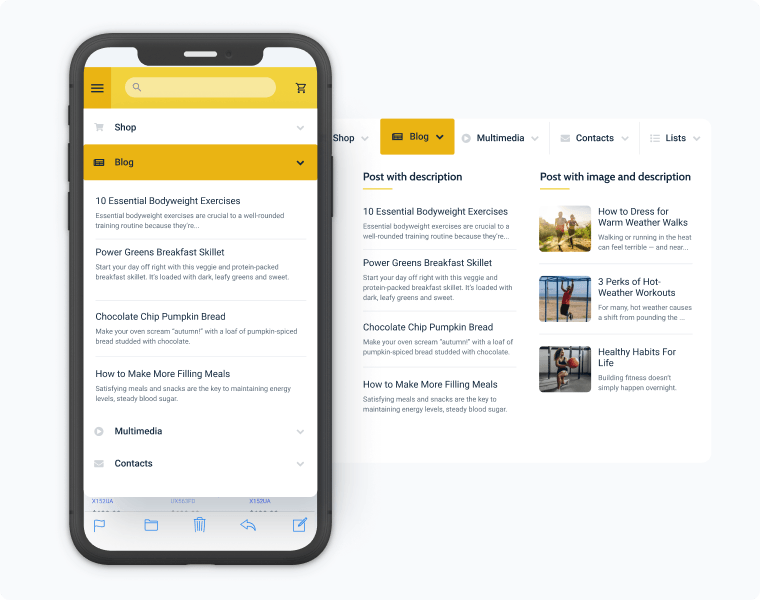
Apresente seu conteúdo mais recente organizado por autores, data, tags e categorias. Crie layouts visíveis com uma grande variedade de widgets Crocoblock e Elementor: Smart Posts List, Smart Posts Tiles, Posts e muito mais.
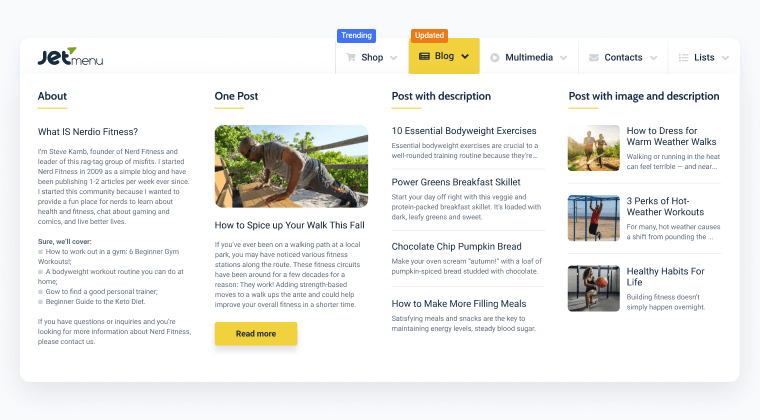
blog mega menu layout

Adicione conteúdo dinâmico

Extraia o conteúdo dinâmico para que você possa exibir e editar todas as informações, dependendo do conteúdo da página.
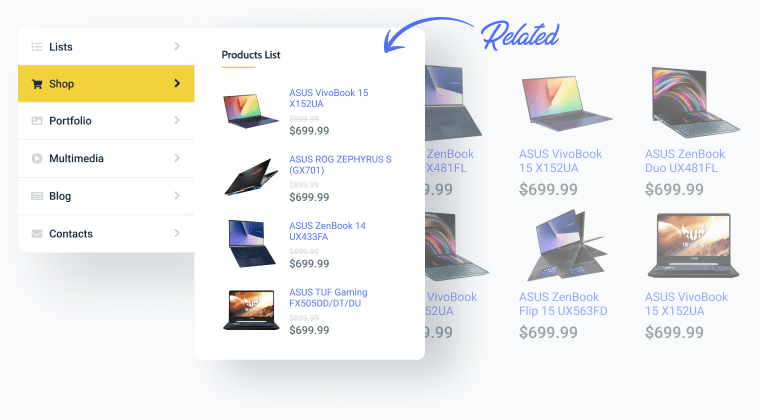
product list mega menu layout

Use templates

Insira qualquer template Elementor em qualquer parte do seu Menu. Puxe os widgets e extensões diretamente do construtor e crie layouts mistos fazendo manejando colunas e seções.
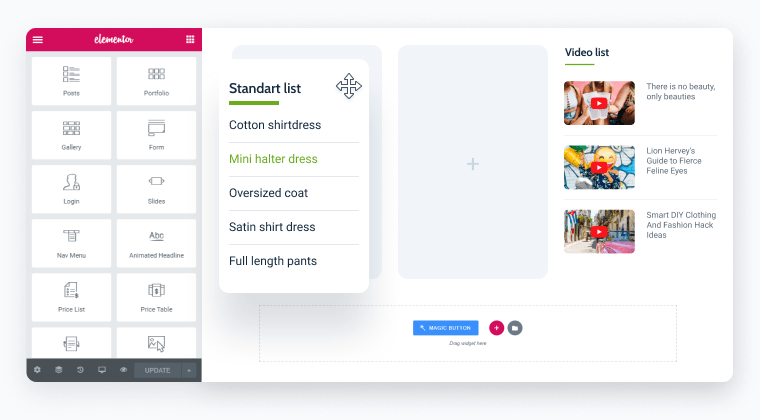
templates in mega menu layout

Add interactive elements

Organise your site content by adding images, icons, maps or any other Elementor widget to your navigation.

Use with your existing theme

Automatically replace your existing theme menu, or use a Widget, Shortcode or PHP function to display your menus.

Easy Drag & Drop editing

Create Mega Menus the Elementor way. Build your mega menus using the familiar Elementor menu interface.

Menu Horizontal, Vertical & Hamburger
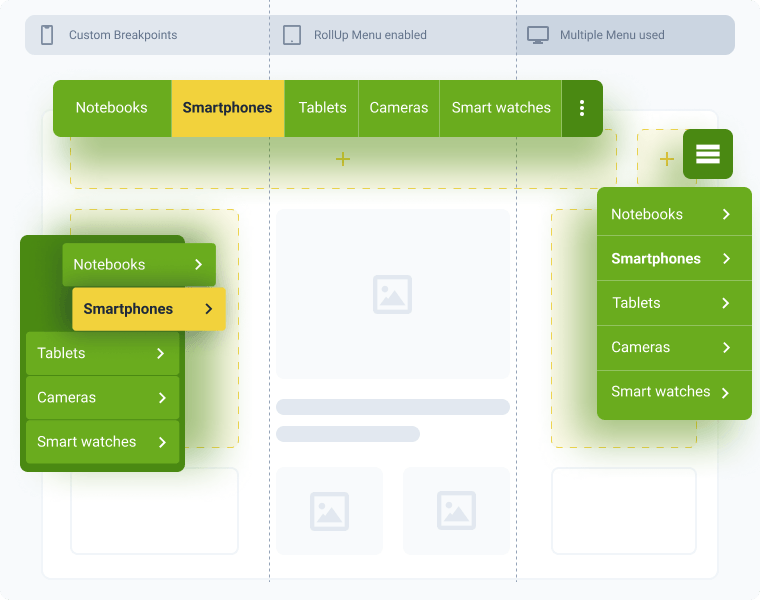
mega menu layouts and style options

Use multiple menus

Build two separate menus for mobile, desktop, and tablets & style them differently.

Roll Up menu

Roll up the horizontal menu items outside the menu container and show custom text/icon instead.

Breakpoints

Select the needed viewport width and watch the menu layout switch from horizontal/vertical to dropdown.

Animation

Set the desired animation effect for the submenu and mega menu.

Menu positioning

Arrange the main menu items neatly in the left sidebar, header area, or a compact hamburger panel.

Seja consistente. Móvel em foco

desktop independent mobile menu

Desktop-independent mobile menu

Extend the mobile mega menu

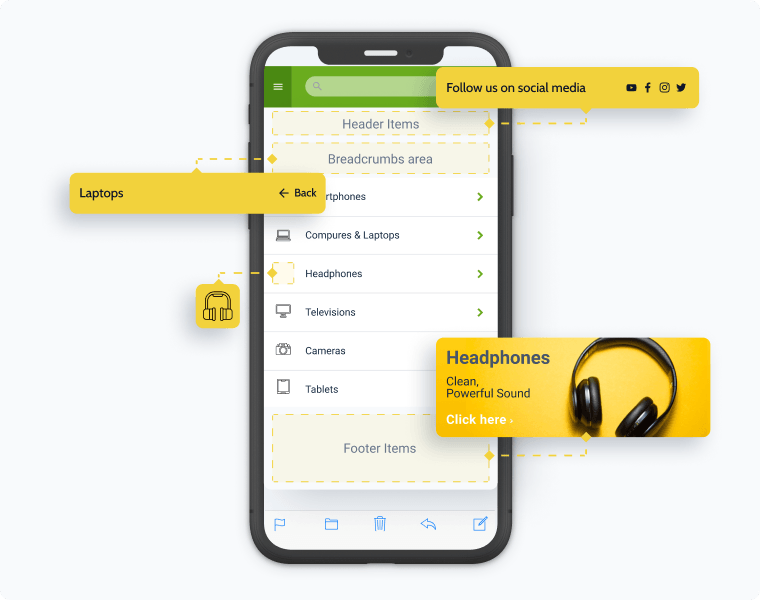
Use the Elementor menu addon to display the needed content in the header/footer. Show Breadcrumbs for better navigation.

Select the animation layout

Decide how the Elementor hamburger menu will appear – slide out, drop down, or push the website content down.

Make the mobile menu unique

Showcase different menu items for desktop and mobile and add mobile-friendly content to each.
responsive mobile menu

Mobile-ready menu in a click

Fits any device and screen size

Customize the menu look and feel for mobile and tablet devices using breakpoints.

Style responsive dropdown

Apply custom styling to the dropdown’s top and sublevels, including colors for every item state: normal, hover, active.

Personalize icons and toggles

Choose proper dropdown, toggle, and opened toggle icons. Customize toggle size and distance for every device separately.

Discover Essential Styling Options

Icons

Select and apply a default/custom SVG icon for each
and every menu item.
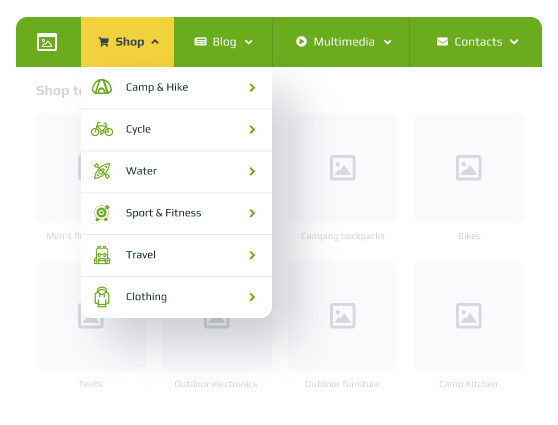
menu items icons

Badges

Apply item badges to highlight bestsellers, discounts,
and items on sale.
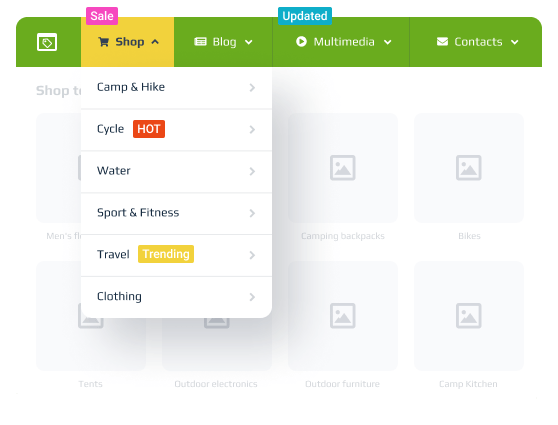
menu items badges

Typography

Create a unique mega menu style with favorite fonts
and proper formatting.
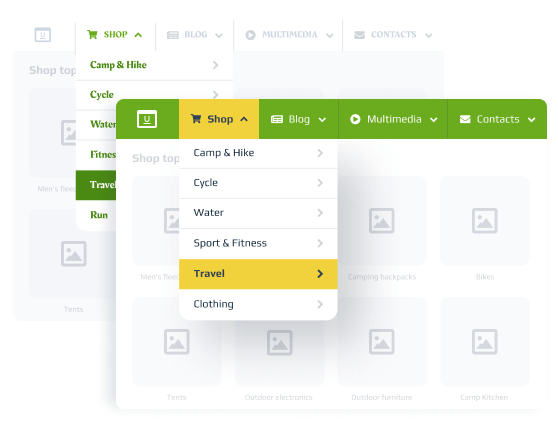
menu typography customization

Spacing

Adjust margin and padding settings for every menu
item individually.
responsive menu

Watch For Other JetMenu Features
and Latest Developments

Regular Updates

  • Vertical Mega Menu widget update
    Added a click event for the Sub Menu Trigger
    2.4.8
    Jan 31, 25
  • Mega Menu widget update
    Added Mega Container width type setting for theme location menu
    2.4.8
    Feb 6, 25
  • Elementor compatibility
    Updated compatibility for version 3.26
    2.4.7
    Dec 24, 24
Changelog

Configurações úteis

Móvel em foco

Build a mobile-oriented mega menu that can quickly adapt to the intended screen size.

Otimização de velocidade

Roll the style settings back to default whenever necessary and use caching for Elementor templates and menu CSS.

Multiple layouts

Visualize the same mega menu in three different layouts – vertical, horizontal, and dropdown.

Preset manager

Save all the style settings. Create and keep different presets to be used for multiple menus.

Opções de Exportação & Importação

Save the custom main & conditional settings. Export the menu settings and apply them to separate projects later.

Well documented

Detailed guides, video tutorials, and blog articles got you covered on every step of the menu creation journey.

JetMenu vs. Alternativos

Compare a funcionalidade holística do menu Crocoblock com os concorrentes,
detalhe por detalhe.

Learn more

Choose Subscription

30-day money-back guarantee

Custom subscription
Subscription price for 1 website only. For more choose the Unlimited websites in the cart.
$55 por
ano
  • JetMenu plugin
  • 1-year product updates
  • 1-year Zoom сhat support
AI-powered workflows

Automate site setup, generate structures and queries, and reduce setup errors

Best Value
All-Inclusive subscription
from$199 por
ano
AI-powered workflows

Unlock automation, AI-generated structures, and queries with All-Inclusive

Go to pricing

For more details on the Subscription, proceed to the Pricing page